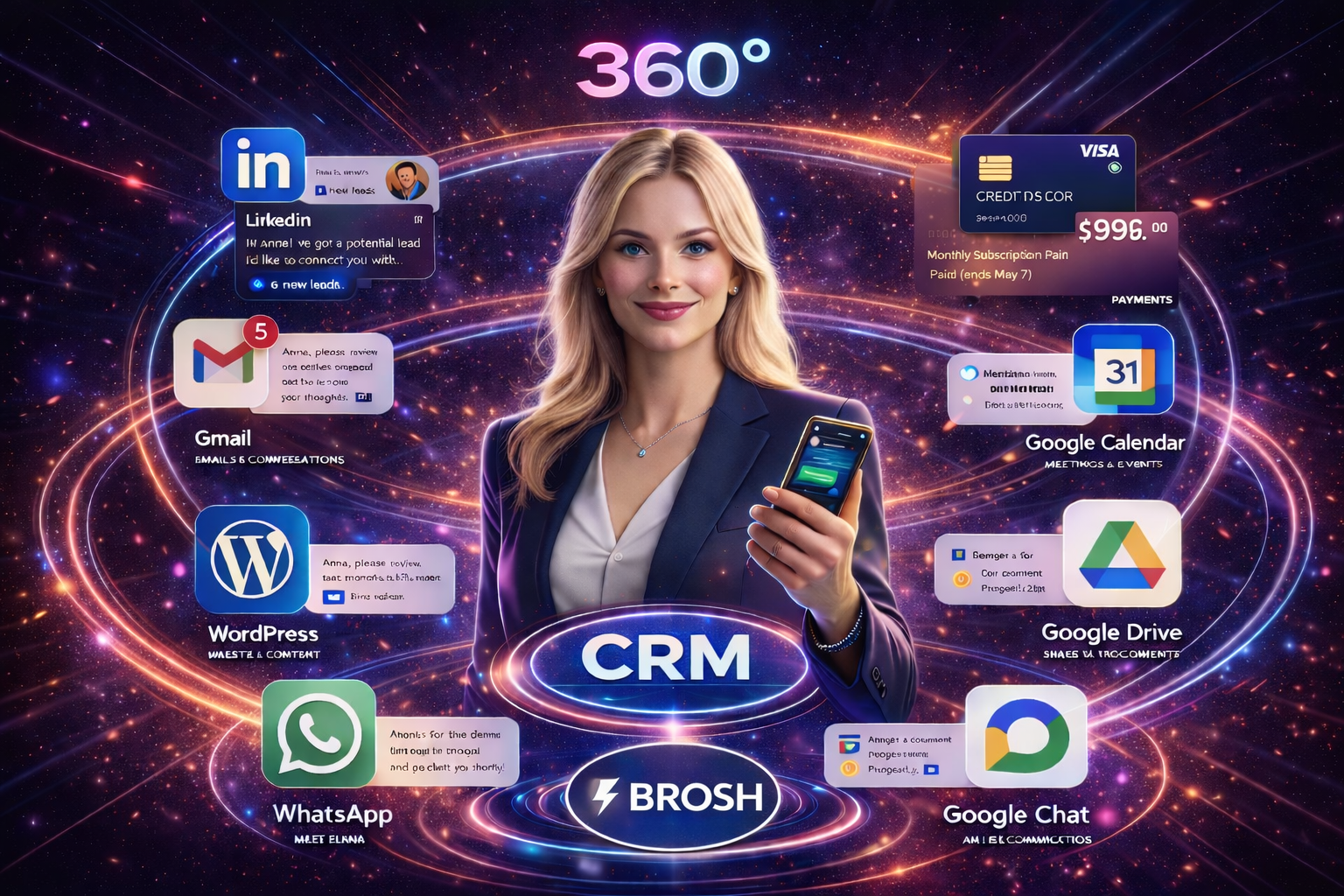
Model Context Protocol (MCP) 2026 Guide: How to Connect AI to CRM Easily
In November 2024, Anthropic launched Model Context Protocol (MCP) – an open-source protocol that completely transforms how AI systems connect to external data sources. In less than a year and a half, MCP became the industry standard with support from Microsoft, Google, Apple, OpenAI, Anthropic and dozens of leading technology companies.
In this comprehensive guide, we’ll understand what exactly Model Context Protocol is, how it works, and more importantly – how it’s changing the way we work with CRM systems in 2026. We’ll see how it creates magic when meeting systems like BROSH CRM, transforming them into intelligent systems that understand context and operate autonomously.
What is Model Context Protocol (MCP)? The Complete 2026 Guide
Model Context Protocol (MCP) is an open-source protocol that enables seamless integration between AI applications and external data sources and tools. MCP was developed by Anthropic and is hosted under The Linux Foundation, ensuring it remains open and available to everyone.
MCP in One Sentence: USB-C for Artificial Intelligence
Think of MCP as USB-C for AI systems – just as USB-C provides a standardized way to connect electronic devices, MCP provides a standardized way to connect AI applications to external data sources, tools, and workflows.
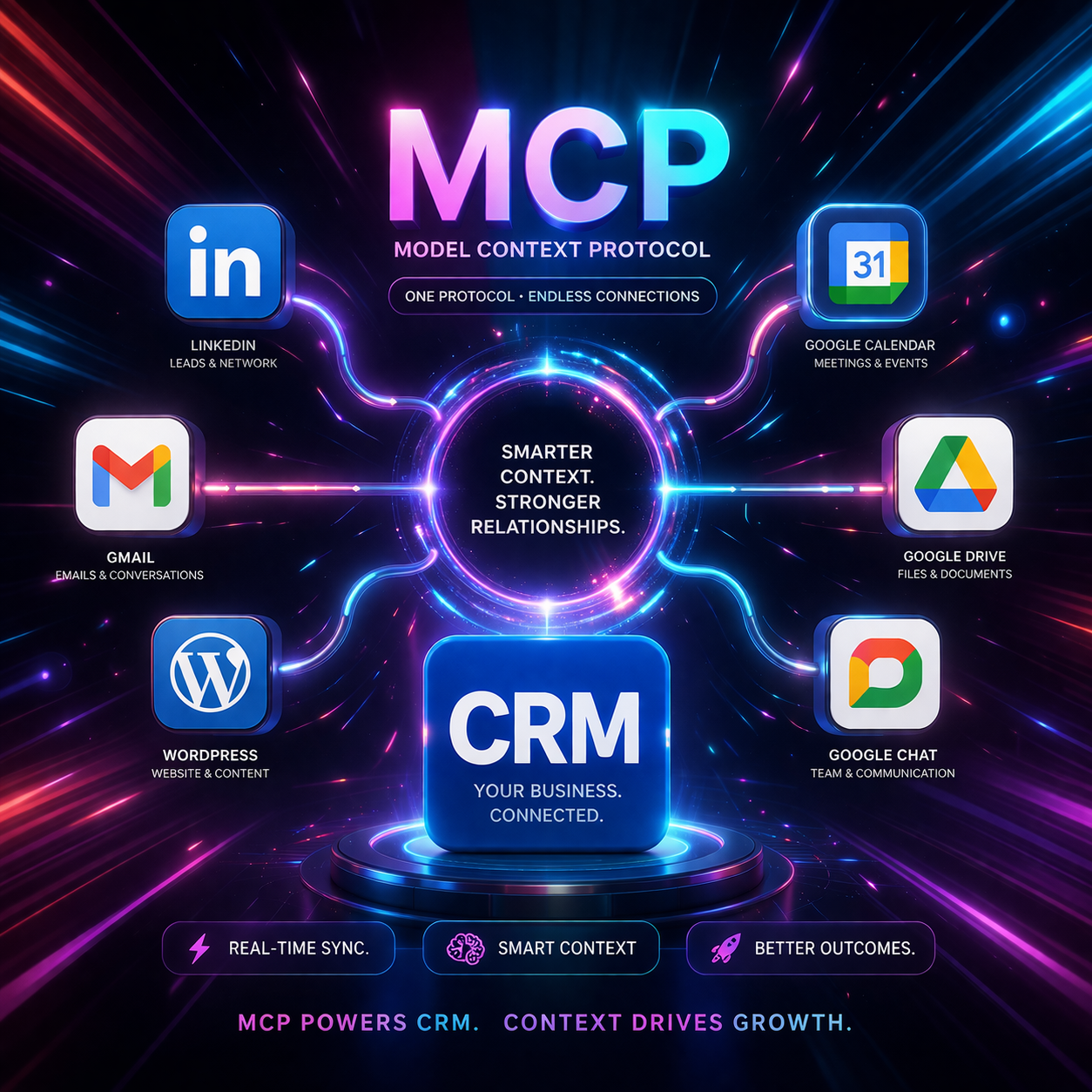
How Does Model Context Protocol Work? Technical Explanation
MCP consists of three main components working together:
1. MCP Client
The AI application itself – Claude, ChatGPT, GitHub Copilot, Cursor, or any other AI application that supports MCP. The client initiates connections to MCP Servers to access external resources.
2. MCP Server
Lightweight programs that provide access to specific data sources or tools. For example:
- Data Sources: Databases, local files, Google Drive, Notion
- Tools: Search engines, calculators, CRM systems
- Workflows: Specialized prompts, automations
3. MCP Protocol
The common language enabling clients and servers to communicate. The protocol is based on JSON-RPC 2.0 and supports three main communication types:
- Resources: Static or dynamic information AI can read
- Tools: Functions AI can execute
- Prompts: Pre-made templates for common operations
Why is MCP Revolutionary? Business Benefits
1. Massive Time and Development Cost Savings
Before MCP: Building a connection between AI and CRM requires custom API development – months of development time and tens of thousands of dollars.
With MCP: Development time of just hours and almost zero cost. Developers can use ready-made SDKs and existing MCP servers.
2. Broad Ecosystem Support
MCP is supported by:
- AI Models: Claude (Anthropic), ChatGPT (OpenAI), Gemini (Google)
- Development Tools: Visual Studio Code, Cursor, GitHub Copilot
- Tech Companies: Microsoft, Apple, Amazon, Salesforce
- Organization: The Linux Foundation
3. SDKs in Every Programming Language
MCP provides official SDKs in 10+ languages:
- TypeScript (12.2K stars on GitHub)
- Python (22.6K stars)
- C# (4.2K stars, in collaboration with Microsoft)
- Kotlin (1.3K stars, in collaboration with JetBrains)
- Java, Go, PHP, Ruby, Rust, Swift
MCP & CRM: The Winning Combination in 2026
When MCP meets CRM systems like BROSH, the magic begins. Here’s how it works in practice:
Scenario 1: The Proactive Assistant
MCP Server connected to CRM monitors all activity in real-time:
- VIP customer not answered for 24 hours? → Automatic alert to VP Sales
- Deal stuck in “Proposal” stage for two weeks? → AI suggests sending Follow-up
- 3 customers canceled meetings this week? → Trend detection and immediate alert
Scenario 2: The Automated Data Analyst
Instead of building reports manually, AI with MCP:
- Every Monday morning: Weekly sales report sent automatically
- Every month: Trend analysis + revenue prediction
- Real-time: Churn risk customer detection
Scenario 3: Complete Workflow Automation
End-to-end automated process:
- New lead enters through website form → Automatically added to CRM
- AI checks LinkedIn for role and company → Enriches profile
- AI identifies hot lead (large company, relevant role)
- Automatically sends personalized email
- Schedules meeting in Google Calendar
- Sends reminder to Slack
- Prepares customer file in Google Drive
Response time: 30 seconds. Manual work: zero.
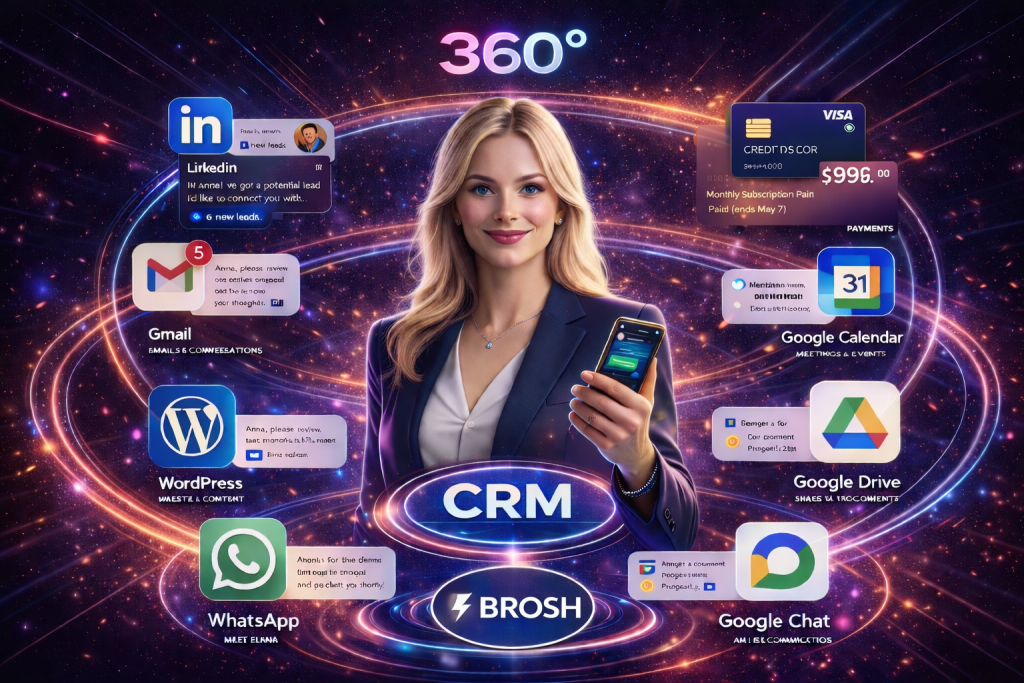
BROSH CRM + MCP: The Future of Customer Management is Here
BROSH CRM is one of the first systems to fully integrate MCP. What does this mean in practice?
1. Natural Conversation with CRM
Instead of navigating screens and searching for information – simply ask:
- “Show me all leads from LinkedIn this week”
- “How many deals did we close this month? How does it compare to last year?”
- “Which customers are likely to churn?” (Churn Risk Analysis)
- “Create a Q1 trends report and send to CEO”
2. Full Integration with All Systems
BROSH connects via MCP to:
- 💼 LinkedIn – Lead retrieval and data enrichment
- 📧 Gmail – Email sync and conversation logging
- 📅 Google Calendar – Meeting management
- 💬 WhatsApp Business – Customer communication
- 📁 Google Drive – Documents and files
- 💰 Accounting Systems – Invoices and payments
3. BROSH API: Build Your Own MCP Server
BROSH CRM provides a complete documented API allowing you to create custom MCP Servers within minutes:
- 🔍 Read data: Customers, deals, tasks, meetings
- ✏️ Automatic updates: Create and update records
- 📊 Custom analytics: Any calculation or report you need
- 🔔 Personal automations: Unique workflows for your business
MCP 2026 Statistics: The Numbers Speak for Themselves
- 83,600 stars for MCP servers repository on GitHub
- 22,600 stars for Python SDK
- 12,200 stars for TypeScript SDK
- 45,700 followers for modelcontextprotocol organization on GitHub
- 40+ repositories official SDKs in every language
- Hundreds of MCP Servers available as open source
Case Studies: MCP + CRM in the Real World
Case 1: B2B Startup – 6x Leads Per Month
The Problem: 2 salespeople wasting 4 hours/day copy-pasting leads from LinkedIn to CRM.
The Solution: MCP Server connected to LinkedIn + BROSH
Results:
- Leads grew from 50 to 300 per month (6x)
- Response time dropped from 3 days to 30 minutes
- Conversion rate increased by 47%
- Savings: 160 hours/month
Case 2: SaaS Company – 70% Requests Handled Automatically
The Problem: 200+ service requests per week, 6-hour response time, 70% repetitive questions.
The Solution: AI Agent with MCP connected to BROSH + WhatsApp + Email
Results:
- 70% of requests handled automatically
- Response time dropped to 30 seconds
- Customer satisfaction: 4.8/5
- Service team freed to handle complex requests
Quick Start Guide: MCP + BROSH CRM
Step 1: Start with BROSH CRM
Start 14-day free trial – no credit card required
Step 2: Connect Existing Systems
BROSH comes with built-in integrations for LinkedIn, Gmail, Google Calendar, WhatsApp Business
Step 3: Activate AI Features
In BROSH settings:
- Activate AI Assistant
- Configure automations (Follow-up, alerts, reports)
- Customize behavior
Step 4: Start Asking
Simply ask AI:
- “Show me all deals in Proposal stage”
- “Which customers haven’t I contacted in two weeks?”
- “Create a sales report for March”
Frequently Asked Questions (FAQ) about Model Context Protocol
What’s the difference between MCP and regular API?
Regular API requires custom development for each connection. MCP is a universal standard enabling connection to any system supporting it without additional development. It’s like the difference between a unique charger for each device versus USB-C that works with everything.
Is MCP secure?
Yes. MCP supports full authentication (OAuth, API Keys), encryption, and granular access control. Every connection is authenticated and data transfer is encrypted. Additionally, MCP allows you to control exactly which data AI can access.
How much does MCP implementation cost?
MCP is open source and completely free. The only cost is development time – which is minimal thanks to ready-made SDKs. In most cases, MCP can be implemented within hours.
Which CRM systems support MCP?
Advanced CRM systems like BROSH, Salesforce, HubSpot and others offer MCP support. Additionally, any CRM with a public API can have a custom MCP Server built.
Do I need to be a developer to use MCP?
Not necessarily. If you’re using a system like BROSH CRM that’s already integrated with MCP, you can start using it immediately without technical knowledge. Only if you want to build a custom MCP Server will you need development knowledge.
What is the future of MCP?
Gartner predicts that by end of 2026, 40% of organizations will use AI Agents operating through MCP. The future includes: autonomous AI Agents, voice CRM, advanced predictive analytics, and IoT integration.
Summary: Why MCP is the Future of Customer Relationship Management
Model Context Protocol isn’t just another tech trend – it’s a paradigm shift in how AI and business systems work together.
With MCP, CRM systems transform from:
- 🗄️ Static data repositories → 🧠 Intelligent assistants that understand context
- 📝 Documentation tools → 🤖 Autonomous systems operating independently
- 🏝️ Isolated islands → 🔗 Ecosystem connected to all systems
- 🖱️ Clunky interfaces → 💬 Natural conversation in everyday language
- 📊 Reporting on the past → 🔮 Predicting and alerting about the future
Results:
- ✅ 20-40 hours/month saved per employee
- ✅ 30-50% higher conversion rates
- ✅ Increased customer satisfaction
- ✅ Teams working on strategy – not administration
- ✅ Small businesses gaining enterprise capabilities
BROSH CRM leads this revolution – full MCP integration, clean and simple interface anyone can use. All with an open API enabling easy custom solutions.
⚡ Full MCP Integrations • 🚀 Setup in Minutes • 💻 Complete Documented API